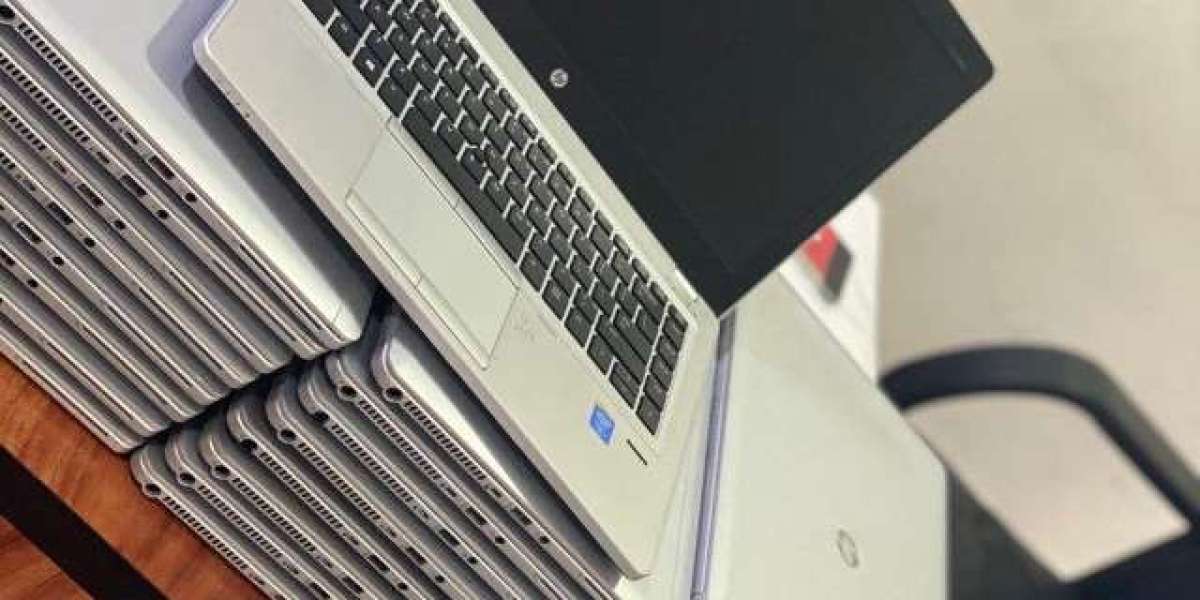

Buying a used laptop is an excellent way to save money while enjoying reliable performance for work, study, or personal use. However, to get the best value from your investment, it's important to maintain your laptop properly. With regular care and a few smart habits, you can significantly extend its lifespan, improve performance, and reduce the chances of costly repairs.
Whether you've purchased a refurbished business laptop or a pre-owned personal computer, this guide will help you keep your used laptop running smoothly for years to come.
Why Proper Maintenance Matters
Like any electronic device, a laptop experiences wear and tear over time. Dust buildup, outdated software, poor battery habits, and overheating can all reduce its performance and shorten its lifespan.
Regular maintenance helps you:
- Improve overall performance
- Reduce hardware failures
- Increase battery life
- Protect important files
- Save money on repairs
- Get more years of reliable use
Taking a few preventive measures can make a significant difference in your laptop's longevity.
Keep Your Laptop Clean
Dust and dirt are among the biggest enemies of electronic devices. Over time, dust can block cooling vents and reduce airflow, causing your laptop to overheat.
To keep your laptop clean:
- Wipe the screen with a microfiber cloth.
- Clean the keyboard regularly.
- Remove dust from air vents using compressed air.
- Keep the touchpad clean.
- Avoid eating or drinking near your laptop.
A clean laptop operates more efficiently and stays cooler during use.
Prevent Overheating
Excessive heat can damage internal components such as the processor, graphics card, motherboard, and battery.
Reduce overheating by:
- Using your laptop on a hard, flat surface.
- Keeping ventilation openings unobstructed.
- Avoiding soft surfaces like beds or sofas.
- Using a cooling pad during intensive tasks.
- Keeping the laptop away from direct sunlight.
Maintaining proper airflow helps your laptop perform efficiently and last longer.
Take Care of the Battery
Battery performance naturally declines over time, but good charging habits can slow the aging process.
To maintain battery health:
- Avoid letting the battery drain to 0% regularly.
- Charge the battery before it becomes critically low.
- Use the original charger or a trusted replacement.
- Avoid exposing the battery to high temperatures.
- If storing the laptop for a long time, leave the battery partially charged.
Proper battery care helps maintain longer operating time and reliable performance.
Keep Your Operating System Updated
Software updates improve security, fix bugs, and enhance system stability.
Regular updates help:
- Protect against cyber threats
- Improve compatibility with applications
- Fix performance issues
- Increase system reliability
Enable automatic updates whenever possible to ensure your laptop stays protected.
Update Hardware Drivers
Drivers control communication between your operating system and hardware components.
Regularly update drivers for:
- Graphics
- Wi-Fi
- Bluetooth
- Audio
- Touchpad
- Chipset
Updated drivers often improve performance and fix compatibility issues.
Install Reliable Security Software
Viruses and malware can slow down your laptop and compromise your personal data.
Protect your laptop by:
- Installing trusted antivirus software.
- Running scheduled scans.
- Keeping security software updated.
- Avoiding suspicious downloads.
- Being cautious with email attachments and unknown links.
A secure system performs better and reduces the risk of unexpected problems.
Free Up Storage Space
When your storage drive is nearly full, your laptop may become slower.
Improve performance by:
- Deleting unnecessary files.
- Removing unused applications.
- Emptying the recycle bin.
- Organizing folders.
- Moving large files to cloud storage or an external drive.
Keeping sufficient free storage allows your operating system to function more efficiently.
Upgrade When Possible
Many used laptops allow hardware upgrades that can significantly improve performance.
Common upgrades include:
- Installing additional RAM
- Replacing a traditional hard drive with an SSD
- Installing a new battery
- Replacing worn keyboards or touchpads
- Upgrading wireless network cards (where supported)
Even small upgrades can give an older laptop a noticeable performance boost.
Handle Your Laptop Carefully
Physical damage is one of the most common reasons laptops fail.
Protect your investment by:
- Using a padded laptop bag during travel.
- Closing the lid gently.
- Avoiding placing heavy objects on the laptop.
- Keeping liquids away from the keyboard.
- Preventing accidental drops.
Careful handling extends the life of both internal and external components.
Back Up Your Important Data
Even well-maintained laptops can experience unexpected hardware failures.
Protect your files by using:
- External hard drives
- USB storage devices
- Cloud backup services
Regular backups ensure your important documents, photos, and projects remain safe.
Restart Your Laptop Regularly
Restarting your laptop clears temporary files, refreshes memory, and helps maintain smooth system performance.
Instead of leaving your laptop running continuously, restart it every few days to keep it operating efficiently.
Create a Regular Maintenance Routine
Setting up a simple maintenance schedule can prevent many common problems.
Your monthly checklist might include:
- Cleaning the laptop
- Installing updates
- Running antivirus scans
- Checking battery health
- Removing unnecessary startup programs
- Freeing up storage space
- Inspecting cooling vents
Routine maintenance helps identify minor issues before they become major repairs.
Final Thoughts
A used laptop can provide excellent performance for many years when properly maintained. By keeping it clean, preventing overheating, caring for the battery, updating software, and handling it with care, you can maximize its lifespan and enjoy dependable performance. Regular maintenance not only protects your investment but also ensures your laptop continues to meet your work, study, and everyday computing needs for years to come.