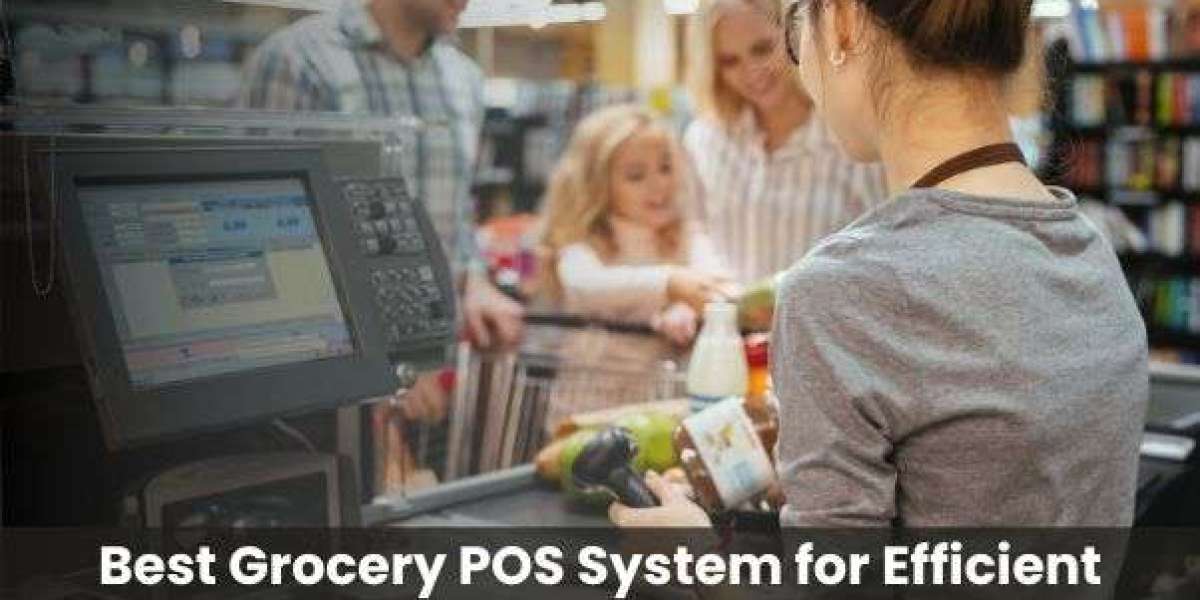

Choosing the right POS system for a grocery store in Malaysia means evaluating features like barcode scanning, real-time inventory tracking, local payment integration (DuitNow, Touch 'n Go, Maybank QR), SST compliance, and multi-unit support. The best system reduces cashier errors, speeds up checkout, and gives owners clear stock visibility — all critical for high-volume, thin-margin grocery operations.
Running a grocery store or mini market in Malaysia is a high-pressure business. Margins are slim, customer turnover is fast, and a single stock-out on essential goods can send a regular customer to the competitor down the road. The right POS system for grocery store Malaysia doesn't just process transactions — it becomes the operational backbone of your entire store. Yet too many owners still pick a system based on price alone, and end up paying more in lost time, stock errors, and manual workarounds.
This guide cuts through the noise. Whether you're setting up your first kedai runcit or upgrading an existing mini market, here's exactly what to look for — and what to avoid.
Why Most Malaysian Grocery Owners Outgrow Their First POS System
The typical pattern looks like this: a store owner buys a basic cashier system to handle billing. It works fine for the first few months. Then SKUs multiply, staff turnover creates training headaches, suppliers start asking for purchase reconciliation data, and suddenly the system can't keep up.
A grocery store isn't a café or a boutique. You could be managing 2,000 to 10,000 active SKUs at any given time. Products have expiry dates. Prices change with supplier costs. Promotions run weekly. Any POS system that can't handle that complexity from day one will slow you down within a year.
Key Features to Look for in a Grocery Store POS System
1. Fast Barcode Scanning and High-Volume Checkout
Grocery retail lives and dies by checkout speed. Your POS must support USB and wireless barcode scanners without lag, handle rapid item entry during peak hours, and allow cashiers to process mixed transactions — loose items, weighed goods, and packaged products — in a single receipt. Look for systems that support PLU codes alongside standard barcodes.
2. Real-Time Inventory Management
This is non-negotiable. Every sale should automatically deduct stock. Every goods received note (GRN) should update quantities immediately. The best grocery store software Malaysia options allow you to set low-stock alerts per SKU, view stock movement history, and run variance reports to catch theft or spoilage early.
For perishables, look for FEFO (First Expired, First Out) inventory tracking — a feature that's particularly valuable for wet market–style grocers and mini markets carrying fresh produce or chilled dairy.
3. Local Payment Method Support
Malaysian shoppers increasingly pay with e-wallets and QR codes. Your POS should natively support or integrate with:
DuitNow QR
Touch 'n Go eWallet
Boost
ShopeePay
Maybank QRPay
Major debit and credit cards via integrated payment terminals
A system that forces customers to use a separate QR terminal creates queue friction. Integration matters more than people expect at the point of purchase.
4. SST Compliance and Tax Configuration
Malaysia's Sales and Service Tax (SST) framework requires accurate tax classification per product category. Not all grocery items are taxable — fresh food is generally exempt while certain processed goods and beverages are not. Your POS must allow granular tax settings per SKU or product category, and generate SST-compliant receipts and reports on demand.
The Royal Malaysian Customs Department (RMCD) provides updated guidelines on taxable goods categories — any credible retail POS Malaysia vendor should be actively aligning their software with these requirements.
5. Multi-User Access and Staff Management
Grocery stores run on shift-based staffing. A good POS system lets you set role-based access — cashiers can process sales, supervisors can apply discounts, managers can view reports. This isn't just about control; it reduces cashier errors and makes end-of-day reconciliation dramatically cleaner.
Look for systems with cashier login by PIN or card tap, shift-based sales reporting, and audit trails for voids and refunds.
6. Promotions, Bundling, and Member Pricing
Malaysian grocery shoppers respond strongly to promotional pricing — weekend deals, bundle offers, member discounts. Your POS should handle these automatically at checkout without staff needing to manually calculate or override prices. Features to look for:
Time-based promotions (e.g., 10% off every Saturday)
Buy X Get Y free
Customer loyalty points or tiered member pricing
Product bundling at a fixed price
Cloud-Based vs. On-Premise: Which Makes More Sense for Grocery?
Factor | Cloud-Based POS | On-Premise POS
|
|---|---|---|
Remote access to reports | ✅ Yes, from any device | ❌ Limited to store terminal |
Works without internet | ⚠️ Offline mode needed | ✅ Fully offline capable |
Multi-branch management | ✅ Centralized dashboard | ❌ Requires separate setup per branch |
Upfront cost | Lower (subscription-based) | Higher (one-time license) |
Software updates | ✅ Automatic | ⚠️ Manual / paid upgrades |
For single-location mini markets with stable internet, cloud-based systems offer better long-term value. However, if your store is in an area with unreliable connectivity, ensure the system has a robust offline mode that syncs automatically when the connection is restored — not one that simply locks you out.
What Makes the Best POS System for Grocery Malaysia in 2026?
The best POS system grocery Malaysia operators should consider in 2026 isn't necessarily the most feature-rich — it's the one that matches your scale, integrates with how you already work, and can grow with you. Here are the practical benchmarks:
Setup time under one day — complex installations mean longer downtime
Local customer support — Bahasa Malaysia or English, reachable by phone or WhatsApp during store hours
Hardware compatibility — works with standard thermal printers, barcode scanners, and cash drawers without needing proprietary hardware
Scalability — can handle additional terminals or branches without needing a full system change
Data ownership — you should be able to export your own transaction and inventory data anytime
Common Mistakes to Avoid When Buying a Grocery POS
Buying on price alone is the most common mistake — a RM500 system that requires RM200/month in manual reconciliation time costs more than a RM150/month subscription with full automation.
Other pitfalls to avoid:
Choosing a system without offline capability in a Malaysian context where internet outages still happen
Ignoring inventory management features because "we'll handle stock manually" — this breaks down fast above 500 SKUs
Not verifying SST compliance before going live — tax errors in reports create headaches during audits
Picking a vendor with no local support presence — software issues during peak hours need fast resolution
Putting It All Together
A grocery store POS system is a long-term operating investment. The right choice speeds up checkout, reduces stock losses, keeps your team accountable, and gives you the data to make better buying decisions with your suppliers. Don't treat it as just a billing machine.
If you're evaluating options built specifically for the Malaysian retail market, Smart Accounting offers POS and retail management solutions designed for local compliance requirements, payment ecosystem integration, and the operational realities of running a grocery or mini market in Malaysia. Their industry-specific retail POS approach reflects a practical understanding of what local store owners actually need — not just a generic software package rebranded for the region.
Frequently Asked Questions
What is the best POS system for a grocery store in Malaysia?
The best POS system for a grocery store in Malaysia depends on your store size and SKU volume. Look for systems with real-time inventory tracking, local e-wallet integration (DuitNow, Touch 'n Go), SST-compliant reporting, and fast barcode scanning. Cloud-based systems with offline mode are ideal for most Malaysian mini markets and standalone grocery retailers in 2026.
Does a grocery store POS system need to support SST in Malaysia?
Yes. Any POS system used in Malaysian retail should support Sales and Service Tax (SST) configuration at the product category level. Fresh produce is generally SST-exempt, while certain packaged goods and beverages may be taxable. Your system must generate SST-compliant receipts and reports aligned with Royal Malaysian Customs Department (RMCD) guidelines.
Can a POS system help reduce stock losses in a grocery store?
Absolutely. A POS system with real-time inventory management automatically updates stock levels with every sale and goods receipt. This makes it easy to spot discrepancies between physical stock and system records — a reliable way to detect theft, spoilage, or supplier shortfalls early. Low-stock alerts also help prevent costly stockouts on high-demand items.
What local payment methods should a Malaysian grocery POS support?
A grocery POS in Malaysia should support DuitNow QR, Touch 'n Go eWallet, Boost, ShopeePay, and Maybank QRPay, alongside standard debit and credit card terminals. Integrated e-wallet support at the POS — rather than a separate standalone terminal — reduces checkout time and queue friction, which matters significantly during peak grocery shopping hours.
Is a cloud-based POS better than an on-premise system for grocery stores?
For most Malaysian grocery stores, cloud-based POS offers better value — lower upfront cost, automatic updates, and remote access to sales reports. However, it must include a reliable offline mode, as internet disruptions can still occur in many areas. On-premise systems suit stores in low-connectivity locations or those managing very high transaction volumes with strict latency requirements.
How long does it take to set up a grocery store POS system?
A well-designed grocery POS system should be operational within one business day, including hardware setup, product catalogue import, and staff training for basic cashier functions. Systems with bulk SKU import via spreadsheet significantly reduce setup time. Choosing a vendor with local onboarding support in Malaysia ensures faster resolution of any setup issues specific to your store configuration.